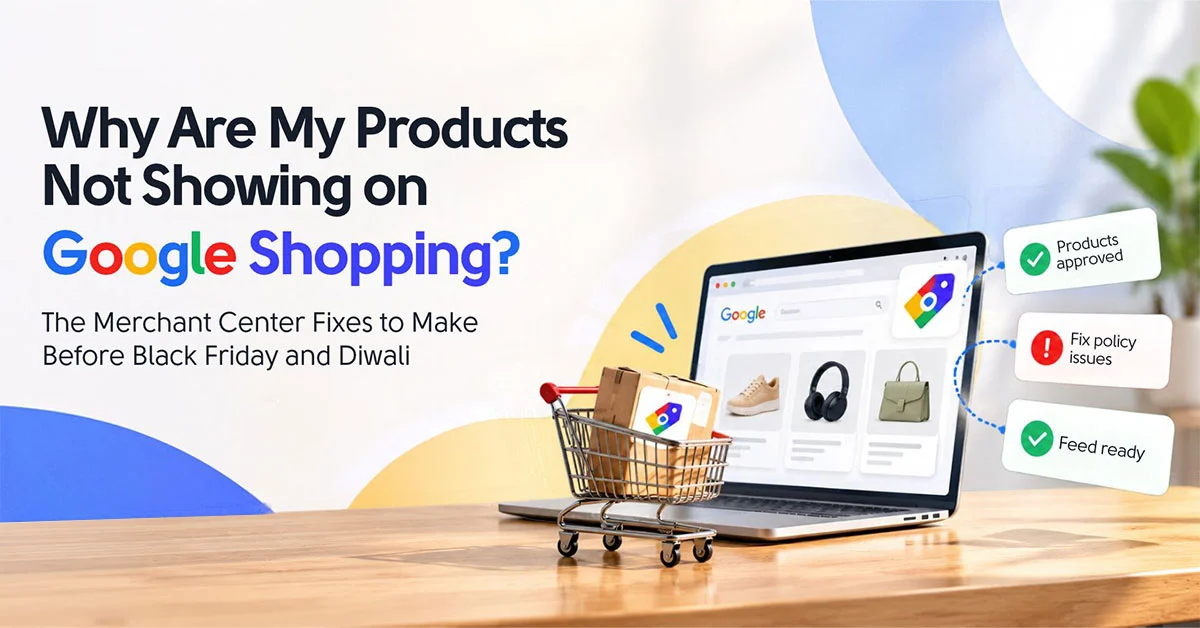
Products not showing on Google Shopping is usually a feed problem, not a bid problem. Approved only means Google allows the product. Whether it actually shows depends on titles, prices that match your site and complete attributes. Fix those three to four weeks before Diwali and Black Friday, then worry about bids.
Every October we get the same message. “Everything’s approved in Merchant Center, so why are we getting nothing?” Usually two weeks before a big sale, with a screenshot full of green ticks.
The ticks are real. They just don’t mean what people think.
Shopping has no keyword list. Your feed is the keyword list. Google reads your titles, attributes and prices and decides which searches each product deserves. Hand it a title copied out of the ERP, something like “SKU-4471 BLK M COTTON”, and there’s nothing to match against. The product sits there approved and invisible. Someone bumps the bids, which just buys pricier clicks on the few products Google could already match.
Diwali falls on 8 November this year and Black Friday on 27 November, so the window to do this properly is short. Here’s where we’d look first.
Why Are My Approved Products Getting Zero Impressions?
Because approved and eligible aren’t the same thing. Approved means the product passed Google’s policy checks. Whether it shows depends on whether Google can match it to what people search, and that comes down mostly to your titles and attributes. Weak titles mean almost no matching searches, so zero impressions.
Nobody types “AK-221 Blue”. They type “women’s cotton kurta indigo”, and Google hunts for titles that line up with those words.
Google’s own title guidance gives you up to 150 characters and points out that shoppers usually notice only the first 70 or so. So the order matters. Brand first, then what the thing actually is, then the detail that decides the purchase (material, size, pack count), then the variant.
Before, “Meher AK-221 Blue”. After, “Meher Women’s Cotton A-Line Kurta, Indigo Blue, Size M”. Same product. One of them can be found.
What Does ‘Limited Performance’ Mean in Merchant Center?
It means the product can show, just not everywhere it could. Google flags it when something’s missing or weak, most often product identifiers like GTIN, brand or MPN. The product still picks up some impressions, but it’s competing with one hand tied behind its back, and it quietly loses auctions to better-described listings.
Google’s product status page describes a limited item as one that’s showing “only in some instances”. Missing identifiers are the cause we see most, and store owners hit exactly that flag all the time.
The Merchant Center limited performance fix is boring, honestly. Open the Needs attention tab. Sort the issues by how many products each one hits. Fix the biggest group first, not the one that looks scariest.
For identifiers, use the real GTIN from the manufacturer’s barcode. Never make one up. If it’s your own brand and there’s no barcode, tell Google the product has no identifier rather than leaving the field empty. For apparel, fill in colour, size, gender and age group too, because those feed straight into filters on the Shopping tab.
Why Were My Products Disapproved for Price Mismatch When My Sale Went Live?
Because your website changed price before your feed did. Googlebot compares the price in your feed with the price on the landing page, and they have to match exactly. When a sale goes live on the site at midnight but the feed still carries the old price, Google flags a mismatch and pulls the product.
Brutal timing, too. First hours of the sale, when you can least afford it.
Google’s mismatch guide lists the usual suspects. Feeds that update slower than the site. Sale dates or time zones set wrong. Prices that load through JavaScript after the page renders, which the crawler can miss.
The fix most stores skip? Stop overwriting the price attribute when a sale starts. Keep the regular price where it is and add sale_price alongside it, with a sale_price_effective_date that sets the start and end. Schedule it a week early and it switches over by itself. Bonus, Google can then show the original price next to the sale price, so shoppers see the discount.
Already disapproved? Fix the price, then request a website check. Google says the review can take up to 12 hours, so don’t leave it to sale morning.
The Shopping accounts that underperform in peak season are rarely under-bid. They are under-described. When half the catalogue has titles copied from the ERP, Google cannot match those products to the queries buyers actually type, and no bid increase fixes eligibility.
— Vishal Singh, Performance Marketing Specialist
How Do I Fix Product Titles without Changing My Website?
Use a supplemental feed. It sits on top of your main feed in Merchant Center and overrides specific attributes, like title, for the products you list in it. You can run it from a Google Sheet, so nobody has to touch the store or wait on a dev team that’s frozen for the sale.
This is the one we lean on most in October. Developers in sale season are a rare and grumpy species.
Setup’s simple. Two columns, product ID and new title, connected as a supplemental data source. The ID has to match the main feed exactly, otherwise nothing updates. Cypress North has a decent step-by-step walkthrough if you’ve never done one.
Don’t rewrite 4,000 titles at once. Start with top sellers and high-margin lines. Fifty good titles beat four thousand half-finished ones.
Will Raising Bids Fix Products Not Showing on Google Shopping?
Mostly, no. A bid only counts in auctions you’re already eligible for, so if Google can’t match the product to a search, a higher bid changes nothing for that search.
Bids matter for deciding which products get the money, and that’s where custom labels come in. You get five, and we usually use them for margin, seasonality and stock depth.
Picture a homeware store going into Diwali. Diyas and gift hampers get a “peak season” label. High-margin lines get “margin high”. Anything with ten units left gets “low stock”, so you’re not paying for clicks on something that sells out by day two. Split Performance Max or Shopping by those labels and budget follows profit, not your website’s category tree. They can live in the same supplemental sheet as your titles.
How Early Should I Fix My Feed before Diwali and Black Friday?
Three to four weeks before peak demand. Changes need time to be processed and recrawled, and Smart Bidding needs a few weeks of data on the improved listings before the rush. For Diwali on 8 November that means mid-October. For Black Friday on 27 November, the end of October at the latest.
And Diwali shopping peaks in the days before the festival, not on it.
Week one, clear disapprovals and identifier issues. Week two, push new titles through the supplemental feed. Week three, load sale prices with effective dates and set custom labels. Then leave it alone.
Reading this in mid-October? Diwali’s tight. Fix your top sellers now and give Black Friday the full treatment. This is the unglamorous feed work that good ecommerce marketing services should be doing before peak season, not in the middle of it. And if you’re comparing agencies for the best ecommerce marketing services, ask them to open your Needs attention tab on the first call. How they react tells you plenty.
Questions We Get Asked About the Merchant Center Limited Performance Fix
Q1. Do I need a GTIN for every product?
Ans. Not if there isn’t one. Own-brand and handmade products often don’t have a manufacturer barcode, so tell Google the product has no identifier. Just never invent a GTIN, because that causes more trouble than leaving it out.
Q2. How long after the Merchant Center limited performance fix will products start showing?
Ans. Usually within a few days once Google reprocesses the item. Disapprovals cleared through a website check can take up to 12 hours to review, which is why fixing before the sale beats fixing during it.
Written by Vishal Singh, Performance Marketing Specialist
I work with ecommerce brands on Google Shopping and Performance Max, and “approved but no impressions” turns up in nearly every pre-sale audit. The answer’s usually in the feed, not the bids.
If you’d like a second pair of eyes on your feed before the sales hit, take a look at our ecommerce marketing services.