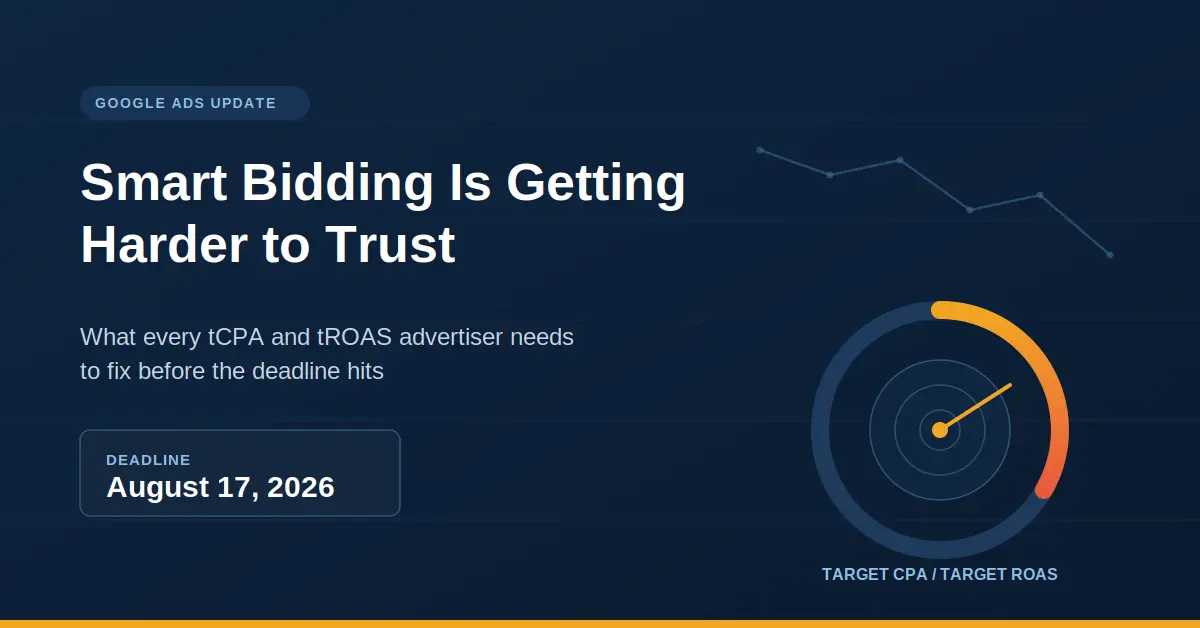
Google is finally drawing a line in the sand on August 17, 2026. That’s when Smart Bidding changes for budget-limited tCPA and tROAS campaigns finally kick in. Now, don’t worry, the world isn’t ending, and your campaigns won’t suddenly fall apart. But if you’ve been enjoying those campaigns that somehow always manage to beat their targets, that little bonus is about to disappear. And honestly, most people running these accounts have no clue this is on the horizon.
Here’s a situation we’ve seen more than once. Imagine you set a Target CPA of $35 a year and a half ago, and ever since, your campaign has been quietly humming along at $20. The numbers look great, so of course, nobody wants to mess with it. Why fix what isn’t broken, right?
After August 17, that same campaign starts delivering at $35. Not because performance got worse. Not because the audience changed or the creative stopped working. It happens because Google has confirmed that the overperformance was never actually intentional behaviour. The budget constraint was doing work that the target should have been doing, and from August 17, that changes.
Google announced the change on June 15, 2026, and has since issued clarifications after widespread advertiser concerns about whether Smart Bidding was about to become less efficient. And honestly, it’s not hard to see why people are concerned. The advertisers who will feel this most are the ones who set targets a long time ago and never revisited them because the numbers looked fine. The numbers looked fine because the budget was quietly compensating for a target that was no longer accurate.
What Was Actually Happening Inside Budget-Limited Campaigns
This is where things get interesting, mainly because Google never really explained what was happening behind the scenes.
When a campaign runs with a budget constraint, Smart Bidding naturally focuses on the cheapest, highest-quality conversion opportunities because it is working within a tight spend ceiling. The result is a campaign that consistently delivers below its stated target, which looks like great performance. And for a long time, it was a genuinely useful side effect.
The problem is that it was never the intended behaviour, and it created a hidden dependency. Advertisers grew comfortable with CPAs that their actual target settings could not sustain on their own. The budget cap was functioning as a free efficiency lever that nobody had explicitly asked for, and most people did not know existed. After August 17, campaigns that are limited by budget and use a target-based bid strategy will more consistently perform toward the target stated in the campaign, including when budget adjustments are made.
On paper, it looks like a fairly technical update. In practice, it changes how some long-running campaigns are going to behave from one day to the next.
What the Rename Is and Why It Does Not Matter
Google also renamed some bidding strategies as part of this update. “Maximize conversions with tCPA” became “Target CPA.” It’s a cleaner name, but that’s not really the part advertisers should be paying attention to.
The underlying behaviour change is not cosmetic. The rename is largely irrelevant to what is happening here. What matters is whether your campaign is budget-limited and using a target-based strategy, because those are the accounts that will see a shift in actual delivery after the deadline.
The change impacts Search, Shopping, Performance Max, Demand Gen, Display, Hotel, and Travel campaigns. If you run any of those campaign types and any of them have shown a “Limited by budget” status at any point in the last twelve months with a tCPA or tROAS strategy attached, this applies to you.
What Google Has Given You to Work With Before the Deadline
Google is rolling out a Bid Target Adjustment Tool inside Google Ads starting July 6, 2026. The tool flags potentially affected campaigns and shows recommended targets based on recent performance, giving advertisers three options- keep the current target, match it to recent performance, or set a custom target.
Google isn’t changing anyone’s targets automatically, which sounds reassuring at first. The catch is that leaving everything as it is is still a decision. If your current target no longer reflects how the campaign has actually been performing, August 17 is when that mismatch starts showing up in your results.
“If you are running a budget-limited campaign delivering CPA significantly below your stated target, that gap is not performance — it is the algorithm being conservative with a constrained budget. August 17 closes that gap. The advertisers who will feel this most are the ones who set targets 18 months ago and never revisited them because the numbers looked fine. They were fine because the budget was doing work the target should have been doing.”
— Vishal Singh, Performance Marketing Specialist
Why Making One Big Target Change Is the Most Expensive Mistake You Can Make Here
The first instinct is usually to match the target to recent performance straight away. If a campaign has been averaging a $20 CPA against a $35 target, changing the target to $20 feels like the obvious move. On paper, it makes perfect sense.
Because a large target change resets the Smart Bidding learning phase, and during that reset window of one to two weeks, performance swings unpredictably. For campaigns that have averaged a $20 CPA against a $35 Target CPA, Google advises considering whether $20 is now the more appropriate target, but the adjustment should be made incrementally.
A much safer approach is to move the target in 10–15% increments and let the campaign settle after each adjustment. It takes a little longer, but it’s far less disruptive than forcing Smart Bidding back into a full learning phase with one massive change. Trying to rush everything before August 17 can easily create the very performance drop you’re trying to avoid.
What Journey Aware Bidding Has to Do With Any of This
There’s another reason this update matters. Google also introduced Journey Aware Bidding at Google Marketing Live 2026, which means Smart Bidding is starting to pay much closer attention to what happens after someone converts, not just whether they clicked an ad or filled in a form.
A tCPA campaign optimising toward a stated target of $50 is now also reading post-conversion signals. If the conversion data coming in is incomplete, delayed, or tracking the wrong events, the algorithm is making decisions based on a distorted picture. Accounts with clean conversion tracking set up properly, including offline conversion imports and enhanced conversions where applicable, are the ones best positioned to run tCPA tROAS bidding change Google Ads accounts cleanly on the other side of August 17.
Good conversion data has always mattered. After this update, it is load-bearing.
What to Actually Do Before August 17
Start by pulling every campaign that’s currently marked as “Limited by budget” and using Target CPA or Target ROAS. Compare the actual CPA or ROAS against the target you’ve set. If there’s a noticeable gap, open Google’s Bid Target Adjustment Tool and use it as a starting point before deciding whether to keep the target, change it, or leave it alone.
If you are adjusting targets, move in 10 to 15 percent increments and give the campaign time to restabilise between moves. The Bid Target Adjustment Tool shows recommended targets based on recent performance and is genuinely worth using rather than guessing.
Do not wait until August 16. The learning phase after a target adjustment takes one to two weeks. If you make changes the week before the deadline, the campaign is still in learning when the August 17 update hits, which is a bad combination.
And check the conversion tracking before touching anything else. If the data going into Smart Bidding is incomplete, the target number you set is being optimised against a broken signal. That problem predates August 17 and will not be fixed by the Bid Target Adjustment Tool.
What We Are Hearing From Clients on This
Q1. Does this affect every Google Ads account?
Ans. No. Only campaigns that are both budget-limited and running Target CPA or Target ROAS are affected. Campaigns with unconstrained budgets already deliver in line with stated targets and will continue to do so after August 17.
Q2. Will CPA definitely go up after August 17?
Ans. Not necessarily, but it might. If a campaign has been averaging a $20 CPA against a $35 target and the target is not adjusted before the deadline, performance may move toward $35. Adjusting the target to reflect recent actual performance before August 17 is how you avoid that.
Q3. Is this a tCPA tROAS bidding change Google Ads teams should panic about?
Ans. No. But it is something Google Ads teams should be dealing with before the deadline rather than after it. The accounts most likely to feel the impact are the ones where targets have been sitting unchanged for months while actual performance quietly drifted away from them.
Q4. What if we miss the deadline?
Ans. The campaign does not break. Smart Bidding will attempt to deliver results much closer to the actual Target CPA or Target ROAS that has been entered. If that target is significantly above recent performance, costs will move toward it. The fix after August 17 is the same as before, adjust the target incrementally and let the learning phase run.
Written by Vishal Singh, Performance Marketing Specialist
I manage Google Ads strategy across agency and direct-client accounts, and this update is one we have been working through with clients since June. The practical guidance in this article reflects what we are actually doing in live accounts ahead of the August 17 deadline.
For more on how we approach paid search strategy and Smart Bidding management, visit our search engine marketing services.